

Okay, so check this out—I’ve been poking at Solana wallets for a while, and somethin’ about them keeps pulling me back. Wow! The speed is wild. Transactions zip. But speed alone didn’t win me over; ease of use did. Initially I thought all wallets were basically the same, but then I started using browser extensions and realized the UX gap is huge, especially for newcomers and power users who want to hop between DEXs, NFTs, and on-chain apps without a headache.
Whoa! Here’s the thing. Browser-extension wallets change the relationship between you and your keys, making interactions feel native to the web while keeping you in control. Seriously? Yep. My instinct said that if an extension could blend security, developer tooling, and simple account management, it would be the real tipping point for mainstream Solana adoption. On one hand, custodial platforms smooth onboarding; on the other, browser wallets put ownership back where it belongs—though actually there are trade-offs, and we’ll dig into those. Hmm…
Let me be blunt: what bugs me about a lot of wallet UX is needless friction—too many confirmations, clumsy account switching, unclear network feedback. I remember trying to sign a transaction on a crowded web app and nearly abandoning the whole thing because the extension UI was confusing (oh, and by the way… the site timed out). That moment stung enough that I started mapping what really matters: clear confirmations, fast feedback, and sensible defaults that protect people without making every action a chore.
From a practical perspective, Solana’s low fees and fast block times let wallets design flows you simply can’t build on slower chains, meaning wallet developers can focus more on experience and less on gas-warning copy. But comfort with a wallet isn’t just about speed; it’s about trust signals—how keys are generated and stored, how approvals are presented, and how recoveries work when things inevitably go sideways. Initially I thought recovery phrases were enough, but then realized multisig, hardware support, and social recovery concepts are becoming table stakes for anyone serious about long-term custody.
Where a Browser Extension Wallet Excels (and Why Phantom Resonates)
Phantom has grown to be one of the most recognizable names in the Solana ecosystem, and for good reasons that are worth unpacking. phantom wallet nails a lot of small details—network switching, token displays, and NFT previews—that add up to a calmer user experience. I’m biased, but the clean UI and sane defaults matter more than flashy features when you’re juggling multiple dApps.
Short story: it feels like using a normal web account, but with keys in your pocket. Really? Yes. The extension model lets you sign interactions quickly without leaving the browser. Medium-term, that reduces cognitive load and helps users adopt DeFi flows (swap, stake, lend) without a constant fear of doing something wrong. On the flip side, browser extensions are surface-level by nature—if your machine is compromised, so is your wallet—so practice good device hygiene. Hmm, basic but essential.
Let’s get technical for a beat. Solana’s transaction model lets wallets batch messages and present concise summaries, which Phantom and similar wallets use to translate low-level instructions into human-friendly prompts. Initially I thought this translation would be trivial, but the reality is more complicated: smart contract calls can be opaque, and wallets must decide how much to abstract without misleading users. Actually, wait—let me rephrase that: the best wallets hide unnecessary complexity while surfacing the critical parts that could affect your balance or permissions.
On security: Phantom supports encrypted local key storage, and modern extensions use the browser’s secure storage layers. But here’s what I emphasize to friends—use hardware wallets when moving significant funds, and consider a layered approach (small spending account in the extension, larger holdings in a hardware or multisig vault). On one hand, convenience is king for daily interactions; on the other hand, high-value custody benefits from air-gapped systems. It’s a balancing act, and I’m not claiming there’s a perfect one-size-fits-all answer.
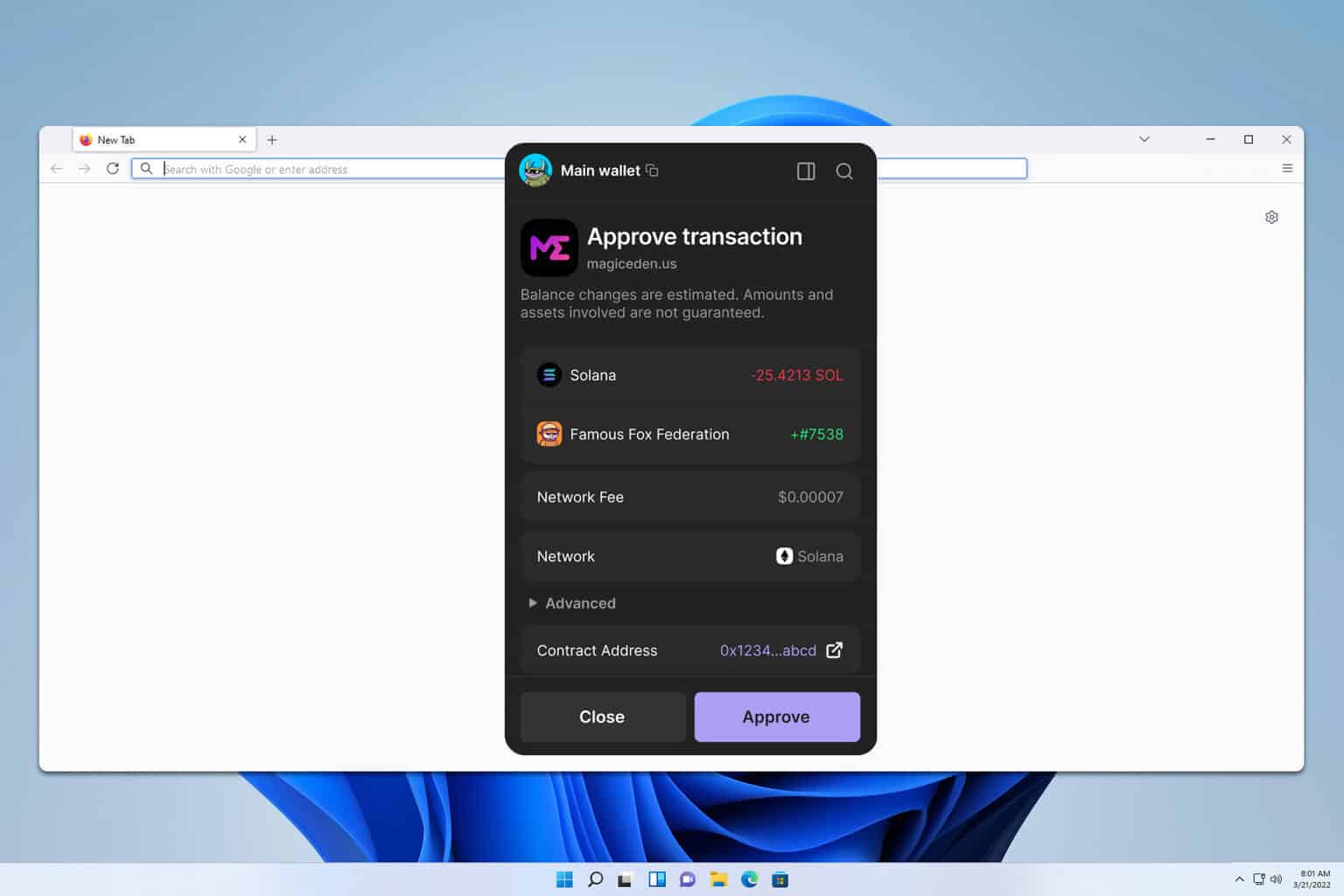
Something felt off about how many guides gloss over transaction approvals. They’ll say “approve” as if it’s a single button with no nuance. That misleads people. Good extensions show the intent: token swaps, contract approvals, or recurring permissions. They also let you revoke allowances. I can’t tell you how many times revoking an outdated approval saved someone’s balance. It’s small, but very very important.
Developer ergonomics matter too. For devs building Solana dApps, integrating with a browser extension wallet via standard APIs (like window.solana or Wallet Adapter libraries) speeds testing and adoption. On the other hand, fragmentation between wallets introduces edge cases. Initially the ecosystem was fragmented, though actually recent standards have relaxed that pain and adoption is getting smoother. My takeaway: if you build for Solana, test across multiple wallets; don’t assume one will behave like another.
There are real-world trade-offs in product decisions. UX teams want frictionless onboarding; security teams want confirmations everywhere. A smart wallet finds the middle ground. For instance, memo fields and transaction previews can be hidden behind an “advanced” toggle—most people won’t use them, but they’re there for power users. I like that approach because it respects both audiences, though it can be hard to design elegantly.
FAQ — Quick Practical Questions
Is a browser extension wallet safe for everyday use?
Short answer: yes, for small to moderate amounts. Use a hardware wallet for large holdings. Also keep your device updated, avoid phishing sites, and revoke old approvals from time to time. Seriously, that’s the stuff people skip and regret.
Can I use Phantom across browsers and devices?
Yes, many extension wallets support Chrome, Brave, and Edge; some offer mobile apps too. But sync across devices usually requires secure recovery (seed phrase or cloud-based encrypted backups). I’m not 100% sure about every configuration, but generally you can move between devices if you keep your recovery safe.
What should I watch for when approving transactions?
Look at the action type (transfer vs approve), the token amounts, and the destination program or contract. If something asks to “approve” unlimited spending, pause and revoke or restrict it. My instinct says: if it looks odd, don’t sign it—go back, double-check the dApp, and confirm off-chain if necessary.